

How to Play
Your objective is to complete each mission by eliminating all enemies while minimizing alerts. Use your mouse to aim and click to shoot. Move with WASD keys or arrow keys to navigate the facility. Switch between your sniper rifle and assault weapons by pressing number keys or using the weapons menu.
Mouse / Tap
Keyboard
Tips & Tricks
- Use elevated positions and cover to set up sniper shots before enemies detect you.
- Listen for enemy footsteps and radio chatter to anticipate their movements and avoid ambushes.
- Headshots eliminate enemies silently—aim for the head whenever you have a clear sight line.
- Plan your escape route before engaging multiple enemies in close-quarters combat.
- Different missions reward different tactics—experiment with stealth and aggression to find what works best.
Frequently Asked Questions
Is FPS Sniper Shooting: Production Facility free to play?
Yes, FPS Sniper Shooting: Production Facility is completely free to play online. No download or registration required—just open your browser and start playing instantly.
Can I play this game on my mobile device?
FPS Sniper Shooting: Production Facility works best on desktop and tablet browsers with a mouse. Mobile phones may have limited controls, but the game is designed for standard web browsers.
Do my progress and achievements save automatically?
Most progress saves automatically in your browser. For best results, play in the same browser and clear your cache sparingly to maintain your saved data.










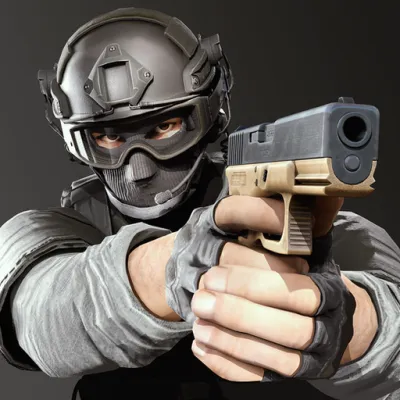
About FPS Sniper Shooting: Production Facility